Local · 8 min read · June 4, 2026
How to Create and Verify a Google Business Profile From Scratch
New business or never claimed your listing? Here is the setup process, the verification pitfalls to avoid and the first ten minutes of optimization that matter most.

By Ryan Pereyra, Founder & Agency Owner, RPM National
Check whether a profile already exists
Search Google Maps for your business name and address before creating anything. Google often creates listings automatically from public data. If one exists, request ownership instead of making a duplicate, because duplicates split your reviews and confuse rankings.
Choose storefront or service-area carefully
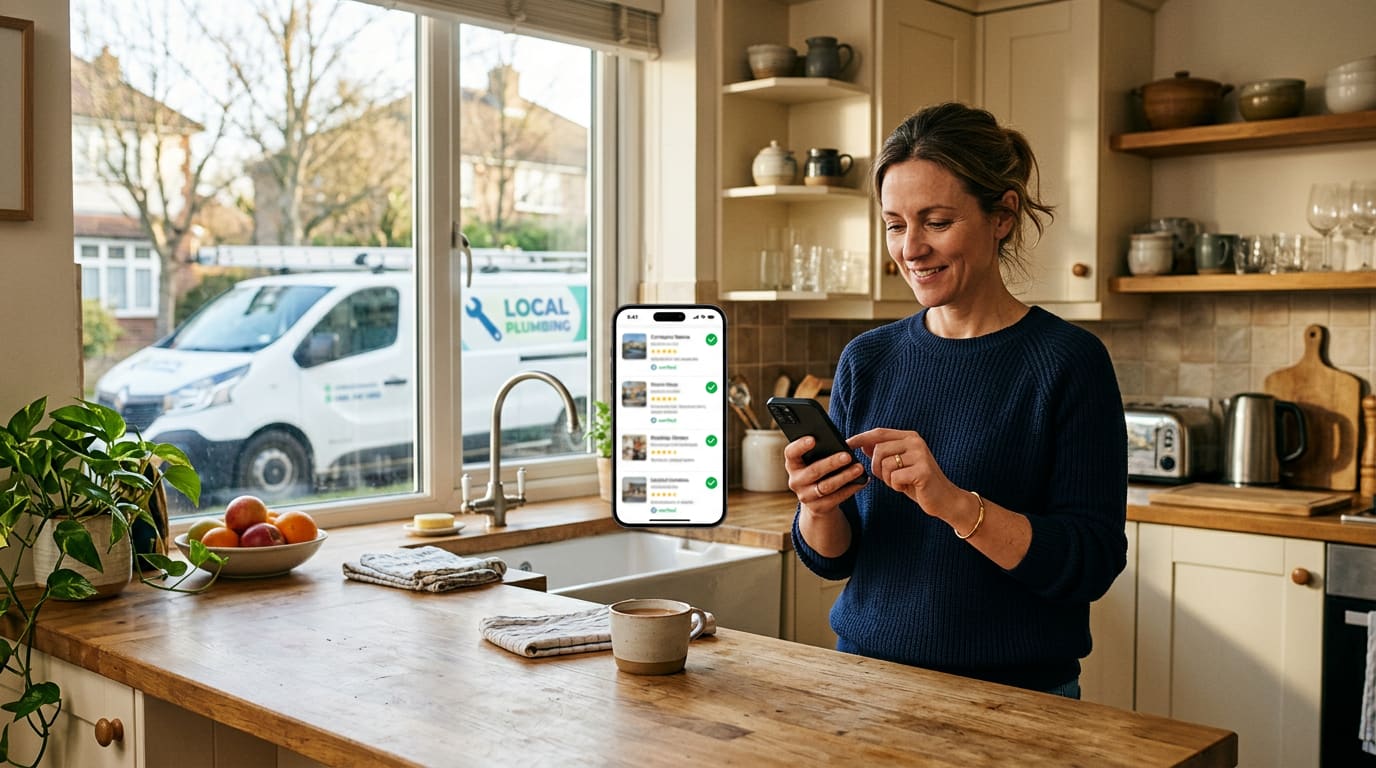
If customers come to you, show your address. If you travel to customers, like plumbers, roofers or mobile groomers, hide your address and set service areas instead.
Listing a home address as a storefront when you do not accept visitors can get your profile suspended.
Pick the right primary category
Your primary category affects rankings more than almost any other setting. Choose the most specific one that describes your main service, like "Emergency Plumber" or "Cosmetic Dentist," then add secondary categories for other services you offer.
Get through verification
Google may ask for a video showing your business, signage, tools or vehicle, a phone or email code, or a postcard. Make sure your business name on the profile matches your signage and documents, and avoid adding keywords or city names to your business name.
If verification fails, fix the mismatch before retrying. Repeated attempts with the same problem can delay approval.
Optimize right after approval
Add hours, services, a description, your website link, at least ten real photos and your first post. Then ask your five most recent happy customers for a review.
From there, our Google Business Profile optimization checklist covers the ongoing work that moves you into the map pack.
Ryan Pereyra’s take
Ryan Pereyra, founder of RPM National, advises owners to fill in every field Google offers on day one, even the ones that seem minor.
A complete profile gives Google more reasons to show you, and customers fewer reasons to call someone else.